I get Malayalam voice notes on WhatsApp. I wanted to read them: as Malayalam text, with an English translation beside it, and without listening to each one twice.
MalScribe does that. It is a command-line tool and a small native Mac app. Drop a voice note on it and you get the Malayalam transcript and the English translation, each with a Copy button.
Stock Whisper does not speak Malayalam
OpenAI’s Whisper large-v3 is the obvious starting point, and for Malayalam it is unusable. What worked was a Whisper medium model fine-tuned for Malayalam by Swathanthra Malayalam Computing (SMC), running on Apple’s MLX framework.
Malayalam brought two problems that English does not:
- It needs many tokens. Malayalam text takes far more tokens than English for the same speech, so Whisper runs out of room in its 30-second window before the speaker finishes. MalScribe cuts the audio into chunks of 12 seconds or less, at quiet points, and raises the output length limit.
- It compresses well. Whisper treats highly compressible output as a sign that it is repeating itself, and it retries at a higher temperature. Malayalam in UTF-8 compresses well, so it tripped that check all the time. Raising the threshold stopped the slow retries.
Cleaning up with an LLM
The raw transcript is rough, especially where people mix English words into Malayalam, which is most of the time. A second pass with Claude Sonnet cleans up the Malayalam and writes the English translation.
I also tried a local model through Ollama. It worked, but in testing it got the amounts and the dates wrong. In a voice note about paperwork, the amounts and the dates are the message.
A head-to-head test
I took a 14-second note that mixed Malayalam and English and ran it through several models.
- SMC’s Malayalam Whisper mangled the English words in the raw output. The Claude cleanup still recovered the sentence correctly.
- Another Malayalam fine-tune gave about the same quality.
- A small “Manglish” model, trained to keep English words in Latin script, got the first half right and then looped into garbage.
- Google’s Gemini Flash models were near-perfect. They kept the English words in Latin script, which is how people actually write Manglish.
Gemini is now the default. The CLI calls it over plain HTTP, tries a second model when the first is busy, and falls back to local Whisper plus Claude if both fail. On the test clip it came back perfect.
There is a catch. The key I used is on Google’s free tier, which allows 20 requests a day per model. My testing used up a day’s quota. The fix is to turn on billing for the key.
The Mac app
The app is SwiftUI and wraps the CLI. It takes files by drag and drop, from the Dock or from ⌘O, and queues them. Transcription runs at about real time, plus about 20 seconds for the cleanup.
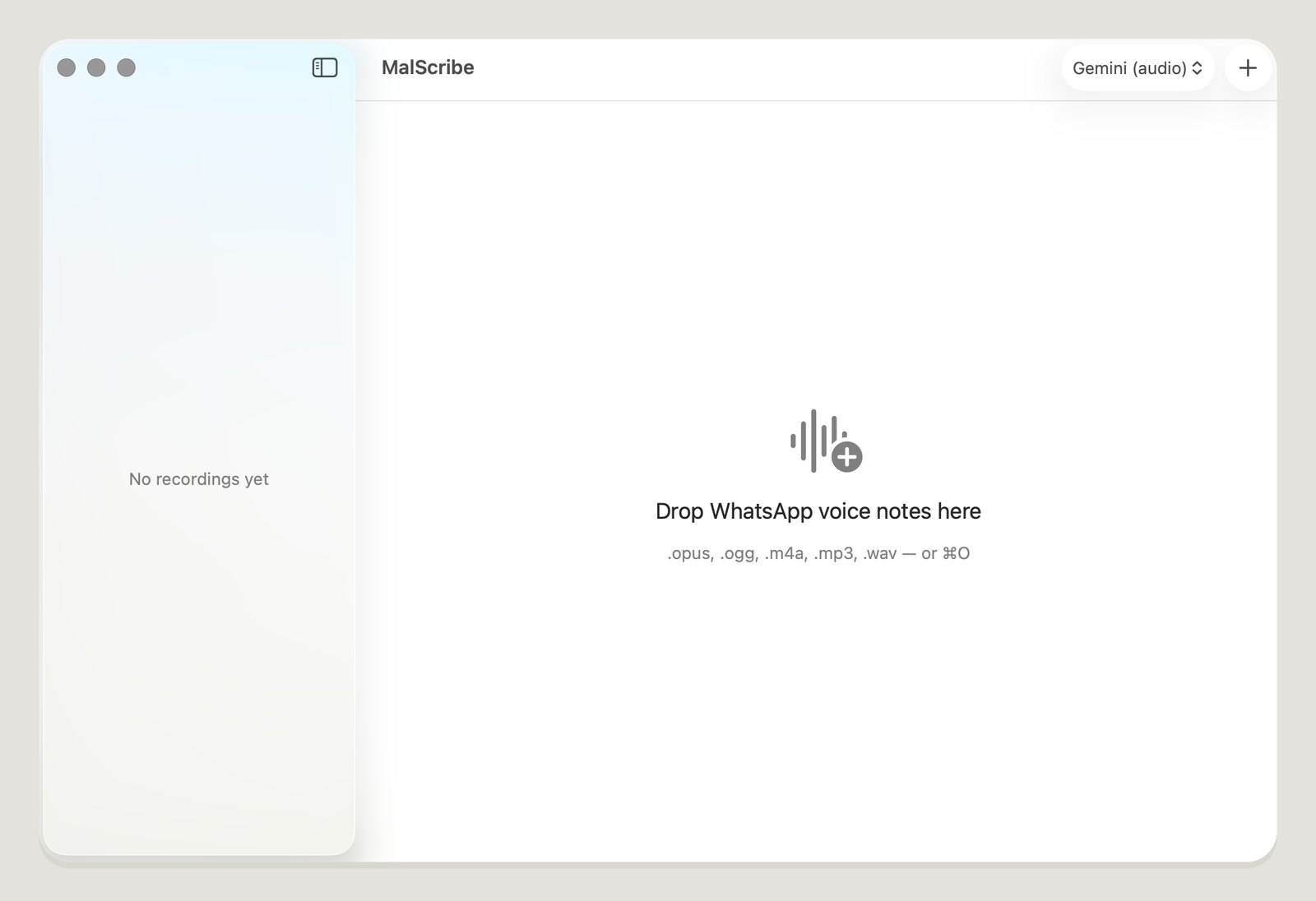 An empty queue. The picker at the top right chooses the engine.
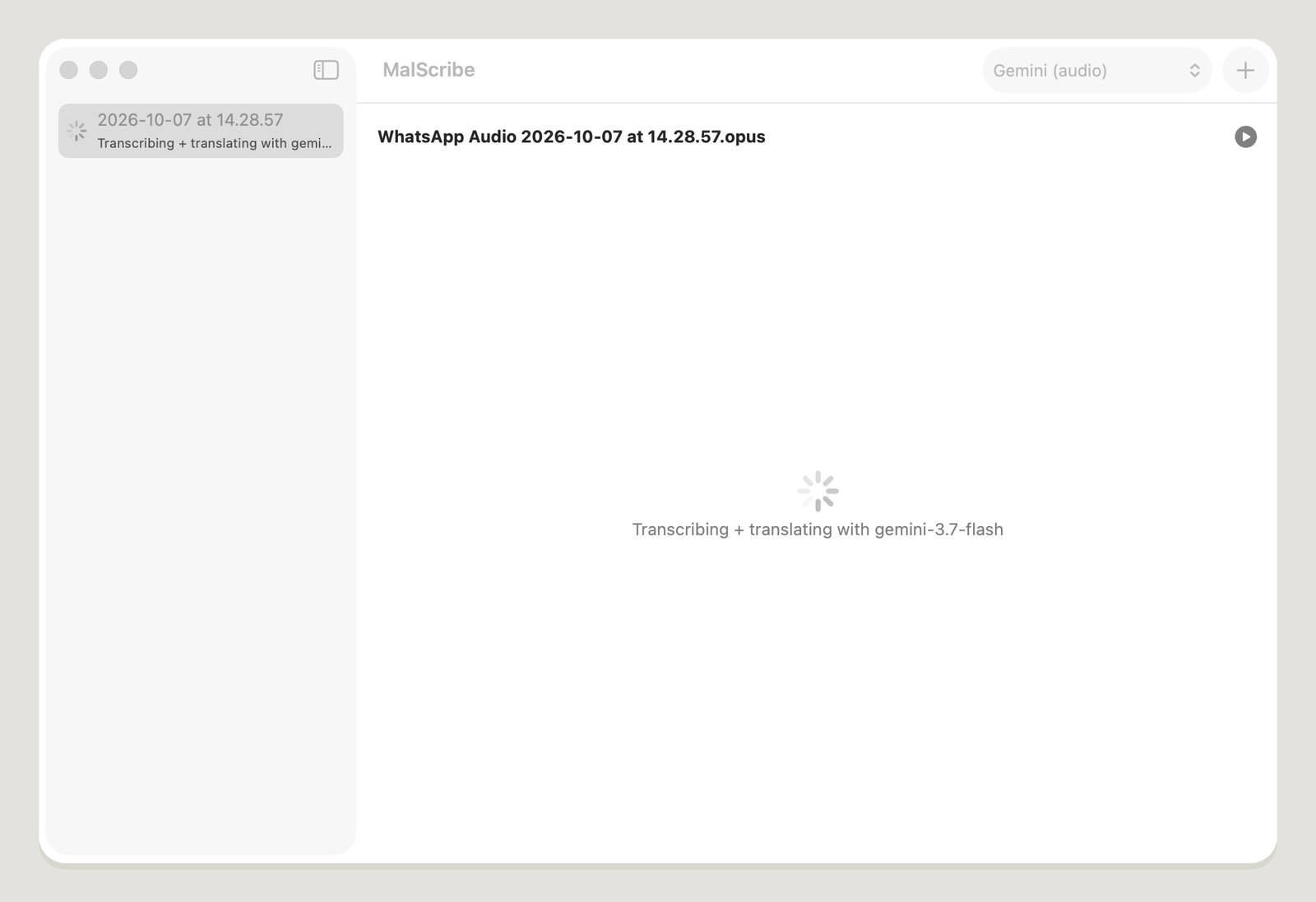 A voice note on its way through Gemini.
It has a play button too. It used to hand the .opus file to whatever app macOS thought should open it. On my Mac that was the wrong app. The app now converts the audio and plays it itself.
The AI part
Claude built all of it: the chunking, the model comparison, the Gemini client with its retries and fallbacks, and the Mac app. I supplied the voice notes and judged the output, because I read Malayalam.